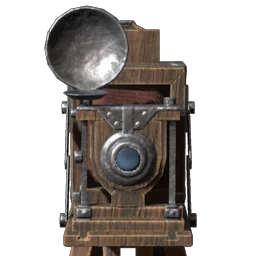
Camera
You can take screenshots with this item.
How to unlock
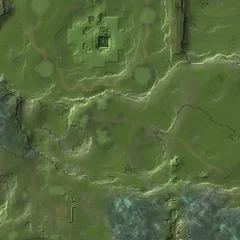
 Metal Scraps: 19 in a chest at Ancient Vault — BlacksmithSpringlands · Ancient Vaults & chambersShow on map →
How to craft 1 recipe
History 2 patches
- User Interface and Texts
Added input bindings: Camera zoom in camera mode on controller (default is \+\[Right Stick] and Play/Pause Voice-Overs on keyboard (Default is the \-key). Changed input binding: dropping torches is now by default on the \-key on keyboard.
Combat, Camera and Controls
Added a new type of attack for most weapons, including pickaxes and woodchopping axes: the Special Ability. It requires a filled bar of the resource “focus,” which can be built via regular light or heavy attacks. The Special Ability must be unlocked with a skill per weapon type. Note: staffs do not currently have a Special Ability; staff changes and improvements will be coming in a future update.
Added a new bar near the action bar in the HUD to show the progress of the accumulated “focus” and when the special weapon ability is ready to be unleashed.
All melee weapons now have heavy attacks. They have longer animations, but deal double the damage. At the same time, the impact on the enemy stun bar is doubled as well. Players can’t get interrupted by enemy attacks while performing the heavy attack.
The light attack chains have been reworked for 2-handed weapons and greatswords.
Combat, Camera and ControlsA new camera setting has been added: Automatic Camera Rotation. When enabled, the camera rotation will automatically follow the player. Note for mouse & keyboard, the default setting is “off”, for controllers, the default setting is “on”.