Blueprints
56 items
How blueprints work
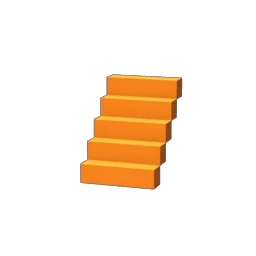
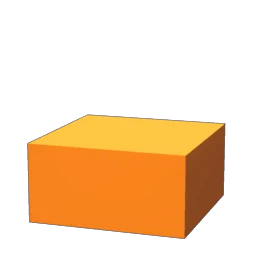
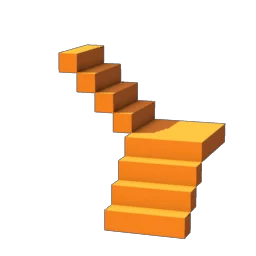
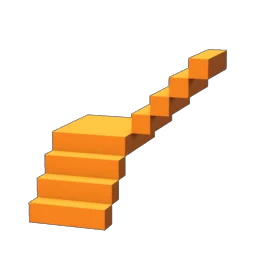
Blueprints are shapes, not blocks. You use them with the Construction Hammer: pick a shape, pick one of your building blocks, and the hammer builds the whole shape out of that block in one go. A wall, a roof side or a staircase goes up at once instead of block by block. Like the hammer, they only work inside the building area around a Flame Altar.
The hammer sorts its shapes into tabs, and the sections below follow them, in the hammer's own slot order:
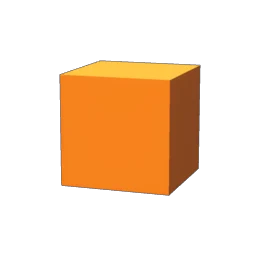
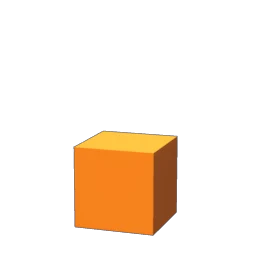
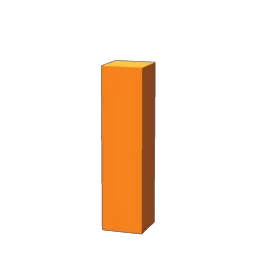
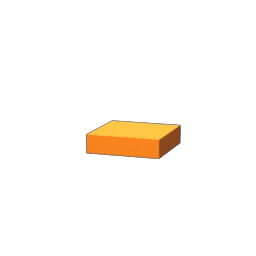
- 1m: single blocks (0.5m and 1m) for small details.
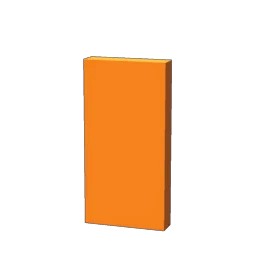
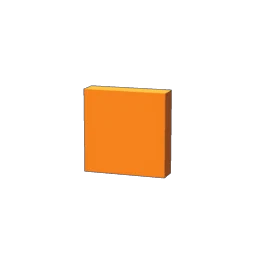
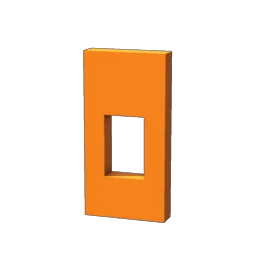
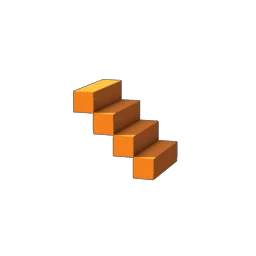
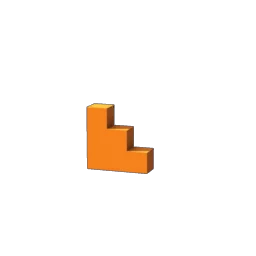
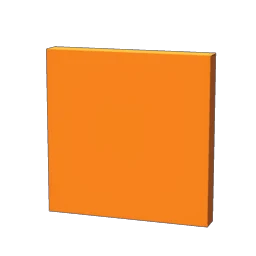
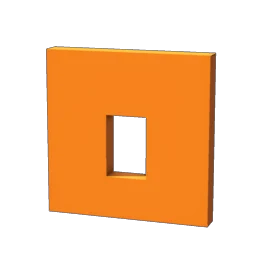
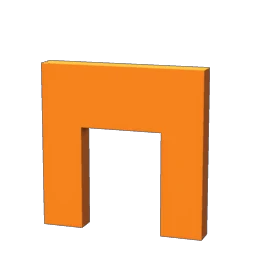
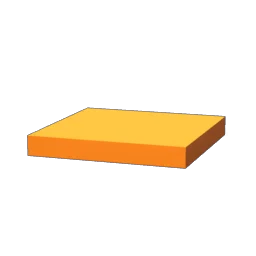
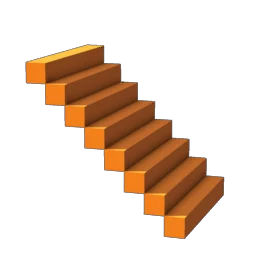
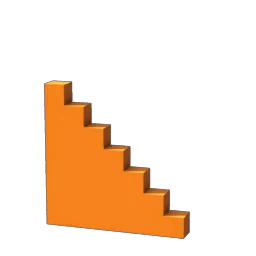
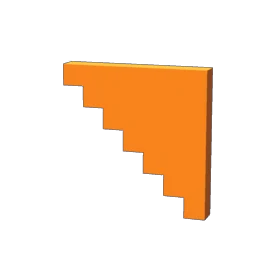
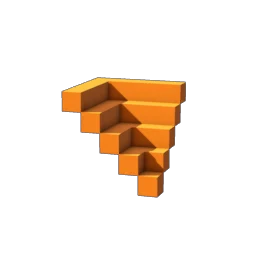
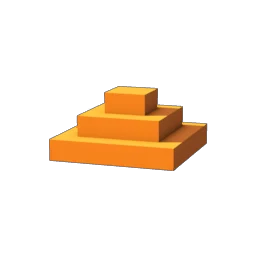
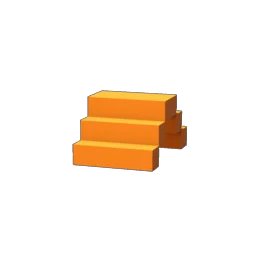
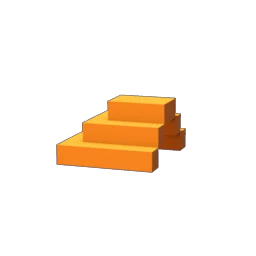
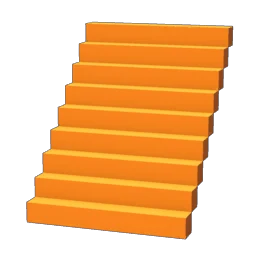
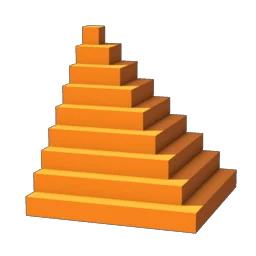
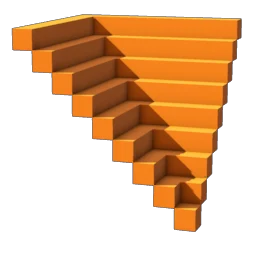
- 2m and 4m: foundations, walls, door and window frames, columns, ceilings, stairs and stepped walls, in two sizes.
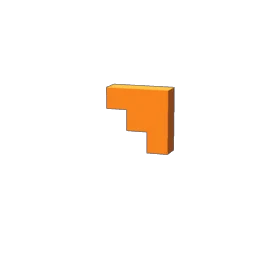
- 2m roofs and 4m roofs: roof sides, corners, tops and flat roofs.
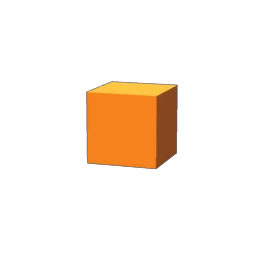
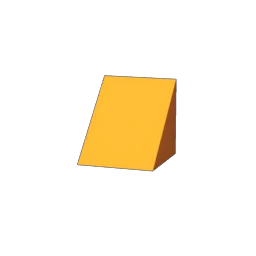
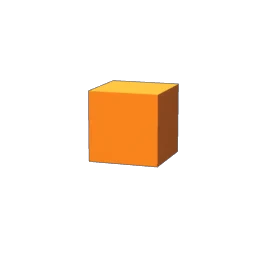
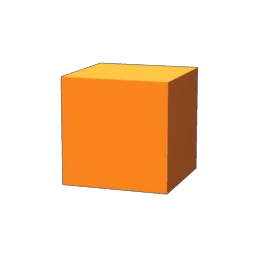
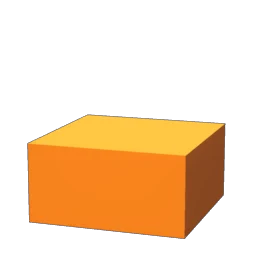
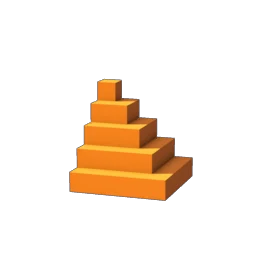
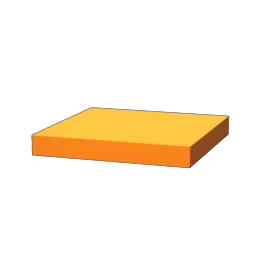
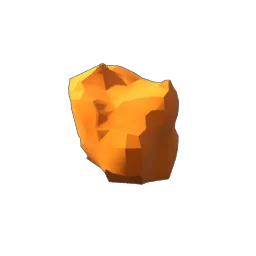
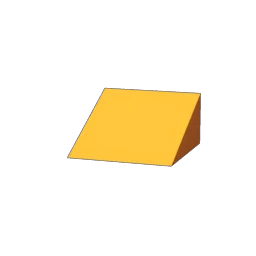
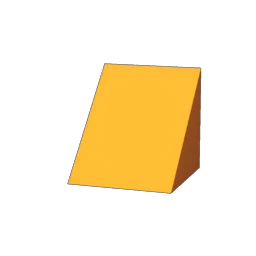
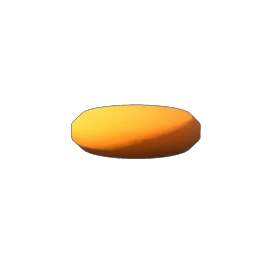
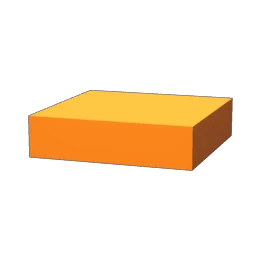
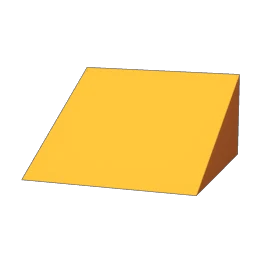
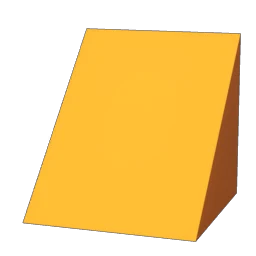
- Terrain: cubes, a box, ramps, a disc and a rock that build ground instead of walls. The game says to gather the materials for these with the pickaxe.
Small, Medium and Big Shape are not categories. They are the brush sizes for the Decay Tool and the Overgrowth Tool, which add or remove decay and overgrowth on the walls of your base, and each tool has its own three. The tools themselves are on the Tools page with the Construction Hammer. A few shapes aren't in any hammer tab, so they are listed last.